

Magnetic Switches vs Mechanical Switches – Which One to Choose?
When choosing a keyboard for gaming or work, many people face the dilemma: magnetic or mechanical switches? Both technologies have their fans and specific advantages, but they differ greatly in terms of operation, responsiveness, and customization options. Check out our comparison and find out which option best meets your needs.
How Do Mechanical Switches Work?
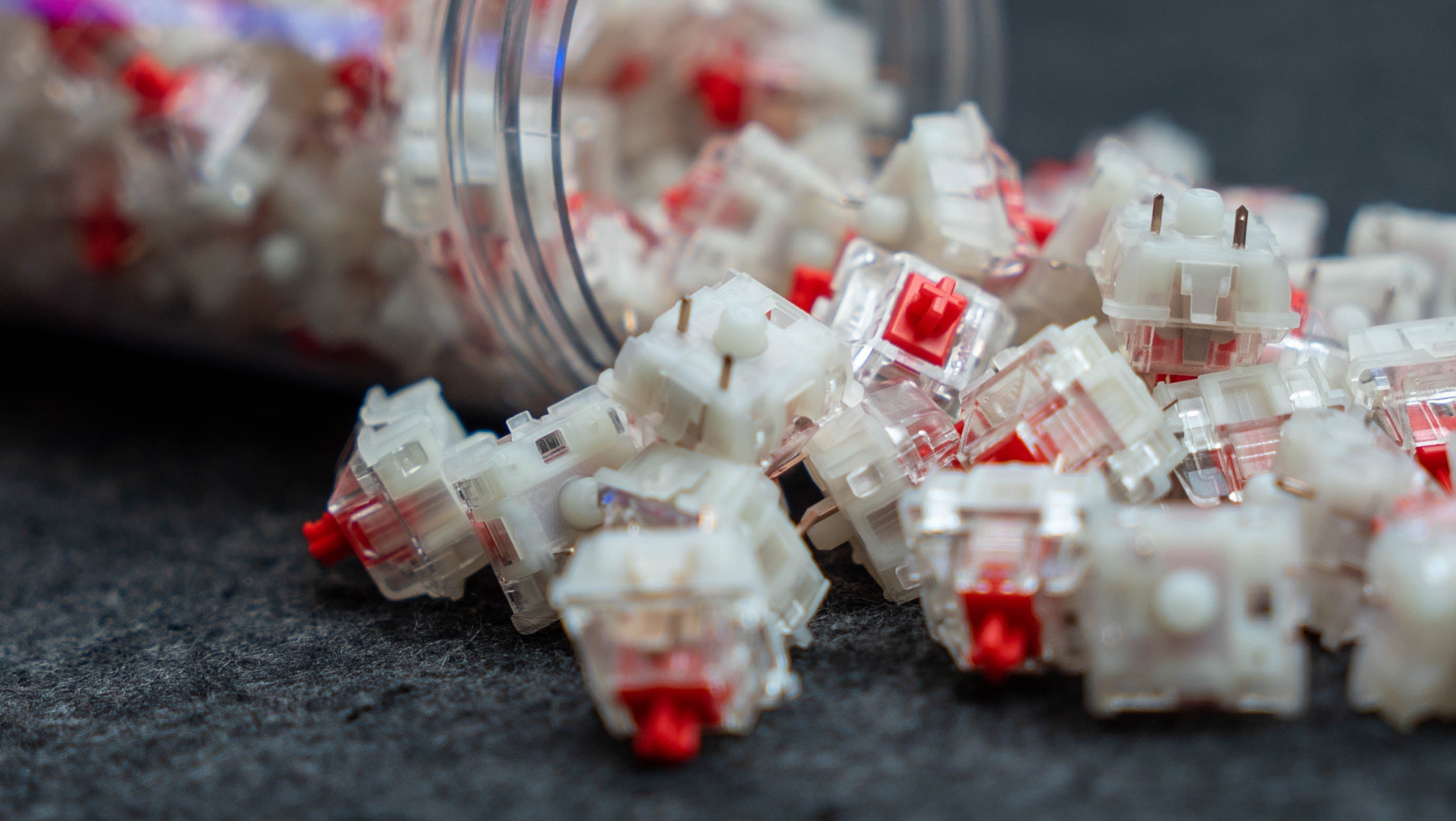
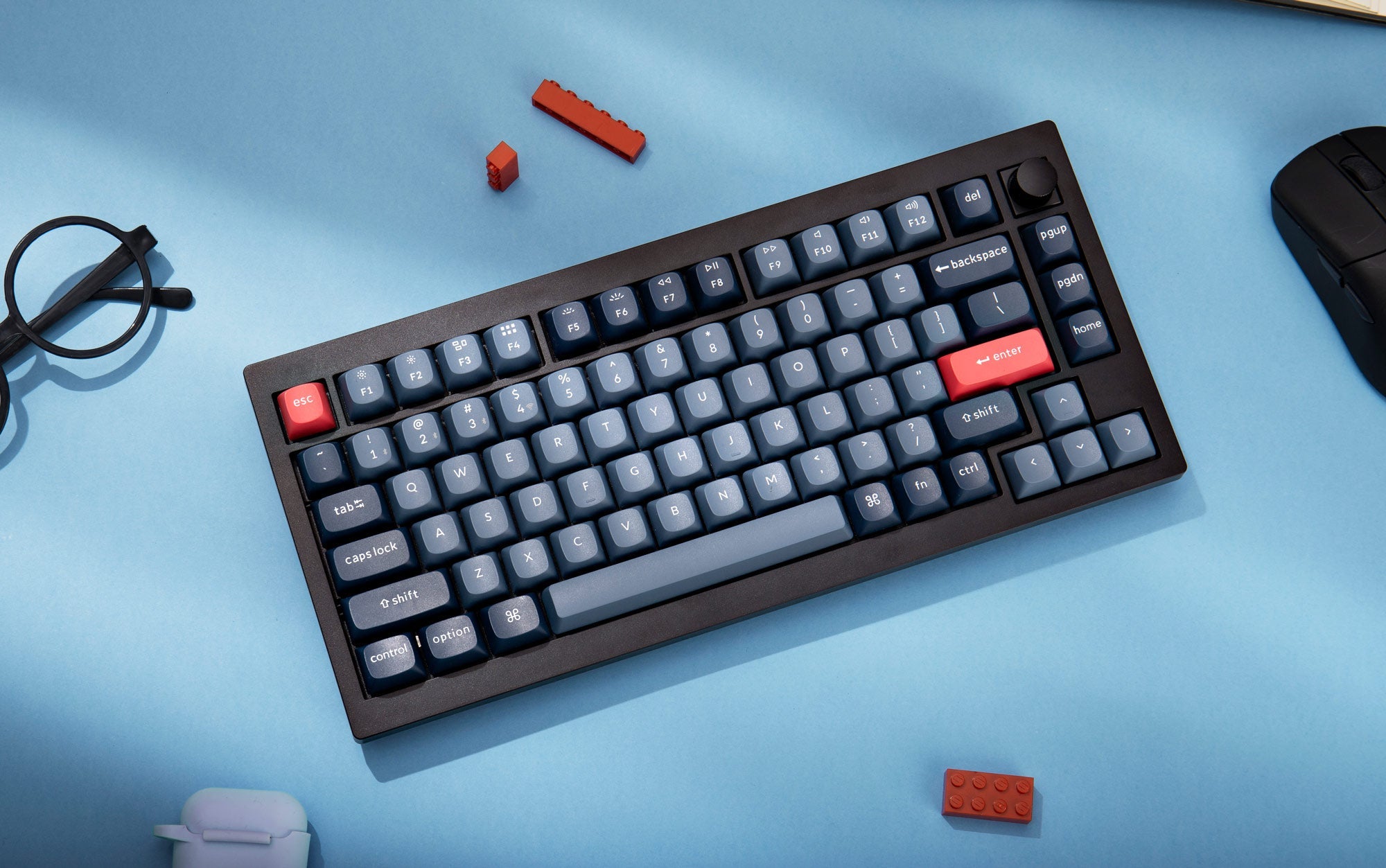
Mechanical switches are classics – they’ve been on the market for years and are praised for their durability, tactile click, and wide variety of types.
The mechanism works through physical contact – pressing a key causes metal contacts to close, sending a signal. Common variants include Cherry MX Red, Blue, Brown, and their equivalents from other brands (Gateron, Kailh, Outemu).
🔧 Mechanical Switch Features:
- Distinct feedback – both audible and tactile.
- High durability - 50–100 million keystrokes.
- Various profiles:
- Linear - for gamers and fast typing
- Clicky - for fans of loud, clicky typing
- Tactile - ideal for beginnersi


What Are Magnetic Switches?
Magnetic (Hall Effect) switches are a relatively new technology gaining traction in premium keyboards. Instead of physical contact, they use magnetic field sensors to detect the position of the key stem.
There’s no traditional “contact” – it’s a contactless process, significantly improving precision and responsiveness. 🚀 Magnetic Switch Features:
- Ultra-fast response – activation from just 0.1 mm.
- Fully customizable actuation point (e.g., 0.1–4 mm).
- Quiet operation and reduced wear.
- Rapid Trigger functionality – perfect for competitive gamers.
Switches Mechanical
| Feature | Mechanical Switches |
|---|---|
| Type of Operation | Mechanical (physical contacts) |
| Response Time | Fixed, based on build |
| Customization | None (hardware-based) |
| Feedback | Distinct, tactile/audible |
| Durability | High (up to 100M clicks) |
| Best Use | General use |
| Examplesr | Keychron K8 Max, Nuphy Air75 V2, Dark Project ALU87A |


Switches Magnetic
| Feature | Mechanical Switches |
|---|---|
| Type of Operation | Mechanical (physical contacts) |
| Response Time | Ultra-fast, adjustable |
| Customization | Yes (via software) |
| Feedback | Subtle, quiet |
| Durability | Very high (virtually no wear) |
| Best Use | Esports, competitive FPS |
| Examples | Nuphy field75 HE, Keychron Q3 HE, Iqunix EZ63 |
🔍 Direct Comparison: Gateron G Pro 3.0 vs Gateron Magnetic Jade Pro
For those who want a model-specific comparison – here's a direct look at two popular Gateron switches: the classic G Pro 3.0 and the advanced Magnetic Jade Pro.
🛠️ Gateron G Pro 3.0 – A Mechanical Classic
- Type: Mechanical (contact-based)
- Variants: Linear, tactile, clicky (e.g., Red, Brown, Blue)
- Pre-travel: ~2.0 mm
- Total travel: ~4.0 mm
- Actuation force: From 38 gf (White) to 60 gf (Black)
- Durability: Up to 100 million clicks
- Factory lubed: Yes
- Compatibility: MX-compatible keyboards (3-pin/5-pin)
- ➡️ Ideal for users seeking a classic experience, satisfying click, and reliable performance at an affordable price.


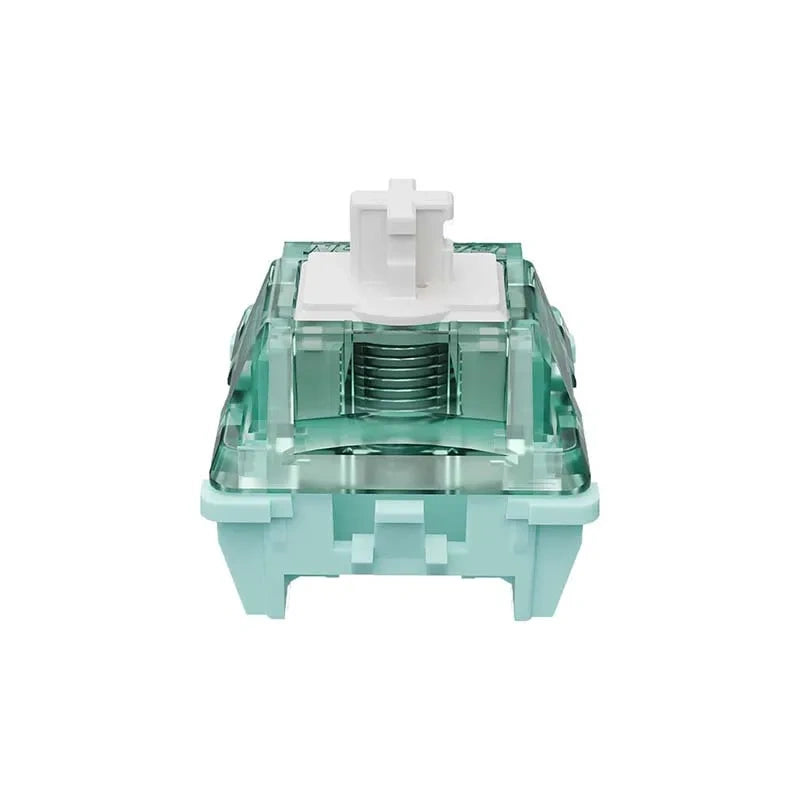
⚡ Gateron Magnetic Jade Pro – Cutting-Edge Precision
- Type: Magnetyczny (Hall Effect), liniowy
- Pre-travel: Adjustable (e.g., 0.1–4.0 mm)
- Total travel: 3,5 mm
- Actuation force: 36 ± 5 gf
- Bottom-out force: 50 ± 10 gf
- Durability: Over 100 million clicks
- Factory lubed: Yes
- Compatibility: Keyboards supporting Hall Effect (e.g., Wooting, Keychron HE)
- ➡️ A great choice for gamers and enthusiasts – offers unmatched speed, precision, and customization.
🧠 Who Should Choose Which Switch?
🖥️ Gateron G Pro 3.0:
- You want a budget-friendly keyboard
- You enjoy a traditional mechanical click
- You need switches for typing and casual gaming


🎮 Gateron Magnetic Jade Pro:
- You primarily play FPS games where speed is key
- You want to experiment with different actuation points
- You demand top-tier responsiveness and comfort
Summary – Which Switches Are Better?
There’s no one-size-fits-all answer – it all depends on your needs. If you value classic, proven technology, go with mechanical switches like the Gateron G Pro 3.0. But if you want maximum control, adjustability, and speed, magnetic switches like the Gateron Magnetic Jade Pro are the way to go.
🧠 Pro tip: If possible, try both types – you'll immediately notice the difference in feel and responsiveness.


Satechi Slim EX3 vs Satechi Slim X3 - A Comparison of Wireless Keyboards
The Satechi Slim EX3 and Satechi Slim X3 are two wireless keyboards with a very similar design, but each is tailored to a slightly different user. The EX3 is a more versatile model with more modern connectivity options, while the X3 is better suited to the aesthetic and workflow typical of Apple users. At first glance, the differences don’t seem significant, but in everyday use, it quickly becomes clear that these are two quite different approaches to the same category of hardware.

GravaStar Mercury X vs Keychron M3 - A Comparison of Wireless Mice
The market for wireless gaming mice is highly polarized today. On the one hand, there are models designed to keep weight to an absolute minimum and minimize response time. On the other hand, there are more versatile models, designed to perform well not only in games but also at work, with a laptop, and in multi-device setups...

Maono Wave T5 vs RODE Wireless Micro - wireless microphone comparison
When comparing the Maono Wave T5 and RODE Wireless Micro, it is worth moving away from general marketing applications and focusing on the technical aspects of design, transmission, and audio signal processing. Both systems belong to the category of compact wireless microphones, but they were designed with a distinctly different engineering philosophy...
