


Fifine - AmpliGame - V3 HD1080P/60 Capture Card with RGB
Lag in games or when capturing camera footage in apps? Invest in a capture card.
We’re not talking about those high-end capture cards that cost a fortune, especially if you’re not creating full 4K content for every platform. Here is the FIFINE AmpliGame V3 with 1080P/120Hz pass-through and 1080P/60Hz recording.
Pass-through is an absolute must-have when capturing games,
It may seem unnecessary to emphasize this, but with only one output, you have to play using the preview in streaming software such as OBS. Even the fastest card has a one-frame delay, which can affect your aim in FPS games in some situations. For the most precise possible control over in-game movement, choose models with a second output to get lag-free pass-through to your TV.


It is also a great addition for capturing camera footage.
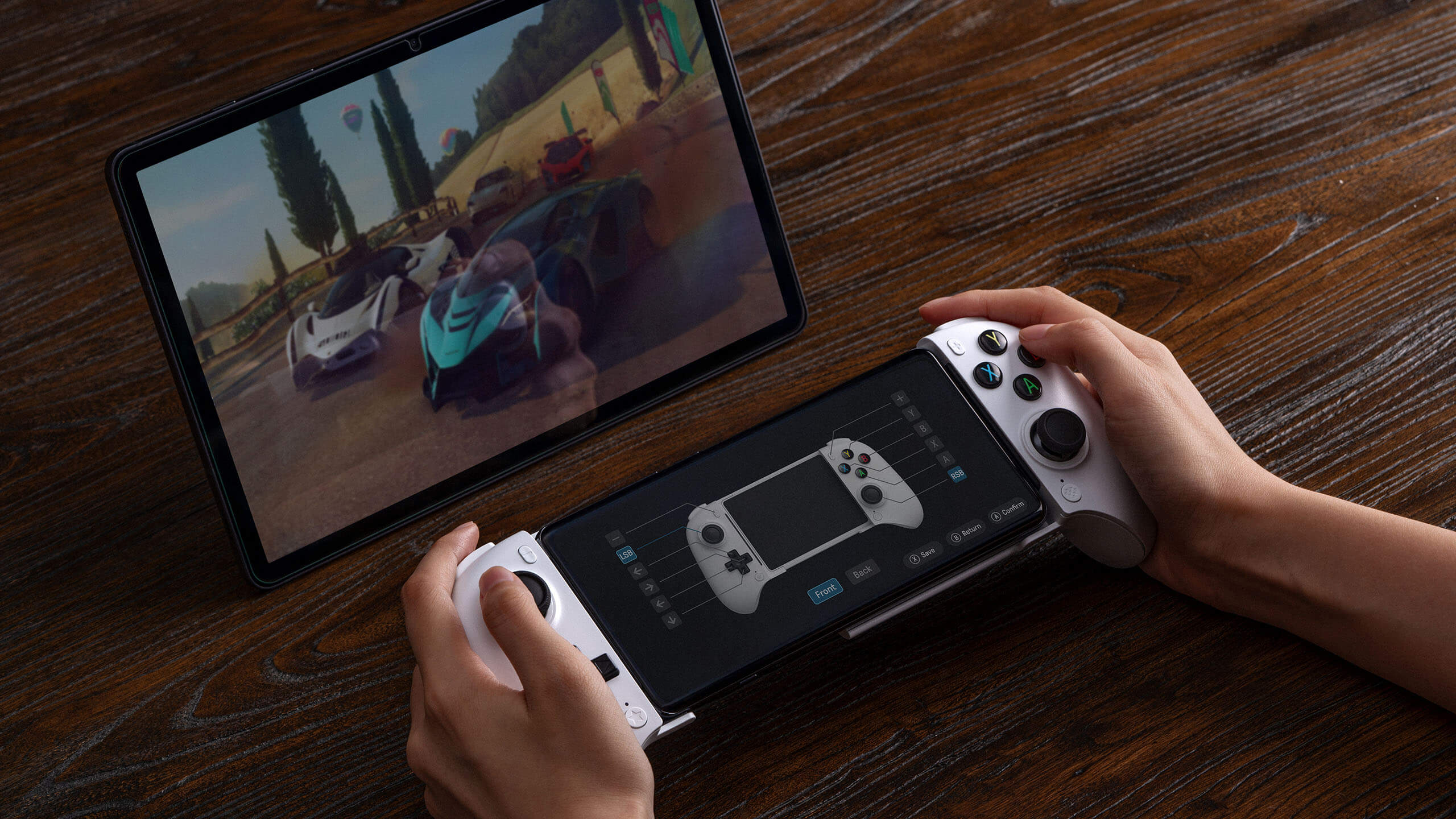
Thanks to the flexibility of multiple I/O ports, it is not limited to connecting consoles, computers, and monitors—it can be connected to cameras to record video footage or to Android devices or an iPad to record mobile gameplay.
USB 3.0 for recording, HDMI for pass-through
For gamers, the HDMI output can be used to connect a console to a monitor where you view the game in real time, while the USB 3.0 output independently records footage to a streaming computer.
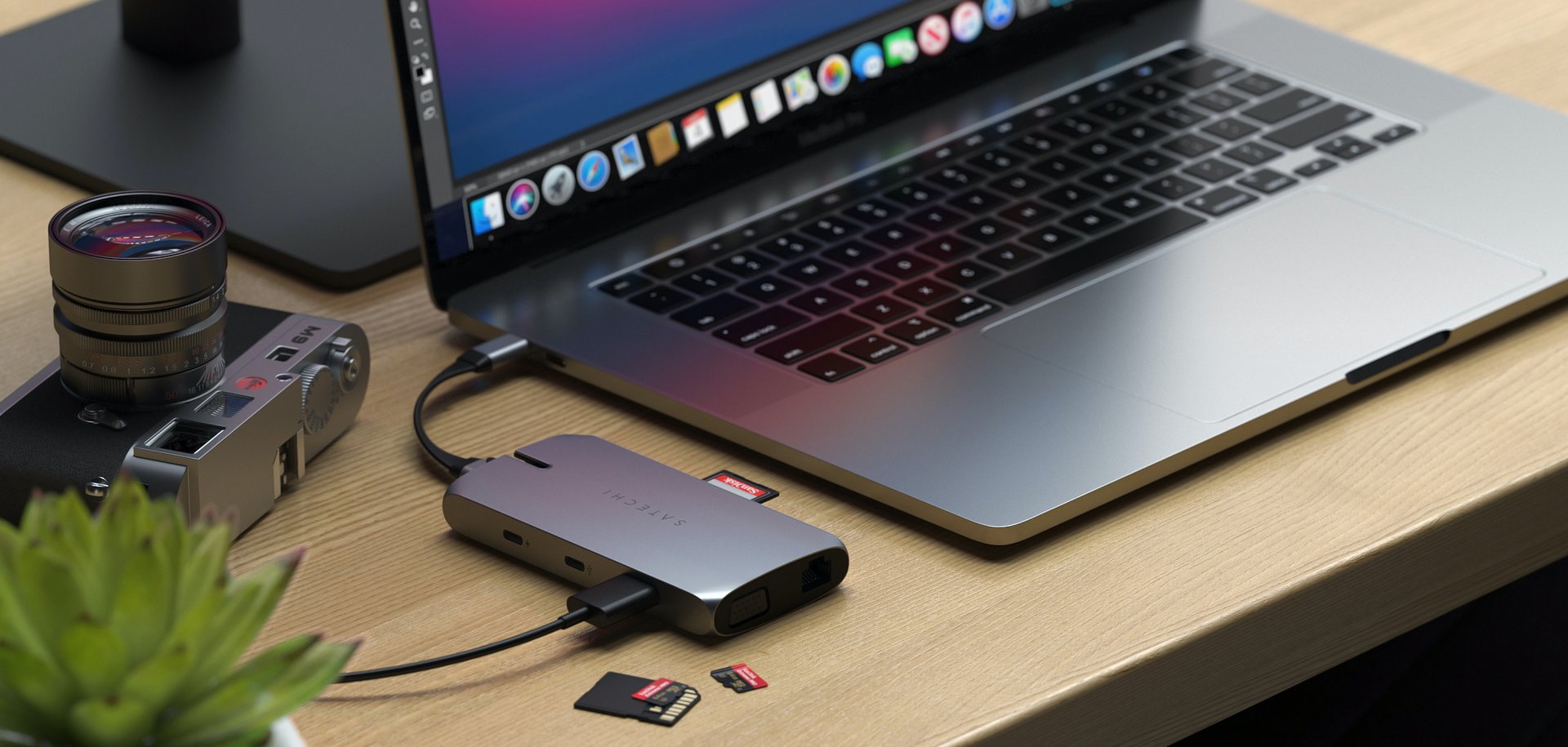
One of the advantages of the card not being installed inside a PC case is flexibility. This is enhanced by the fact that the connector section works like a dongle, so there is no need to use a USB extension cable when the card body could block other ports.


Pass-through supports resolutions up to 4K, but at a 30Hz refresh rate. Therefore, this resolution is not intended for gaming with the V3, but it is ideal for static applications such as a video podcast or live stream, where you use a display to preview the image or color from a high-end DSLR or mirrorless camera.
Not just RGB, but also an HDCP warning indicator
Aside from the I/O ports, the first thing that catches your eye is the controllable RGB strip on top, but it is nowhere near as important as the almost invisible LED on the side and what it indicates.
It is not only a power indicator, but also an HDCP warning. When streaming from Play Station, you can disable HDCP protection in the system’s HDMI settings. Then, after launching OBS or Stream Labs software, the LED will light up solid blue. If it lights up yellow, you can still bypass HDCP using the long-press tools inside the headphone jack.


120Hz pass-through/60Hz recording for competitive gaming
Although 4K image quality is hard to deny, if your equipment does not meet this standard, it is better to set the pass-through resolution to the optimal 1440P or 1080P to achieve at least 60Hz or 120Hz. Despite the lack of HDR, you get very good quality and a smooth, stutter-free pass-through signal.
Specification
| Recording resolution | 1920*1080 (Full HD)/60Hz |
|---|---|
| Pass-through resolution | 3840*2160 (4K)/30Hz 2560*1440 (2K)/60Hz 2560*1440 (2K)/30Hz 1920*1080 (Full HD)/120Hz 1920*1080 (Full HD)/60Hz 480P |
| Input | HDMI USB Type-A 3.0 |
| Output | Lag-free pass-through Recording latency 60-70 ms |
| Latency | 16-bit/24-bit, 48k Hz |
| Package weight | 0.6 kg |
| Warranty | 2 years |
