

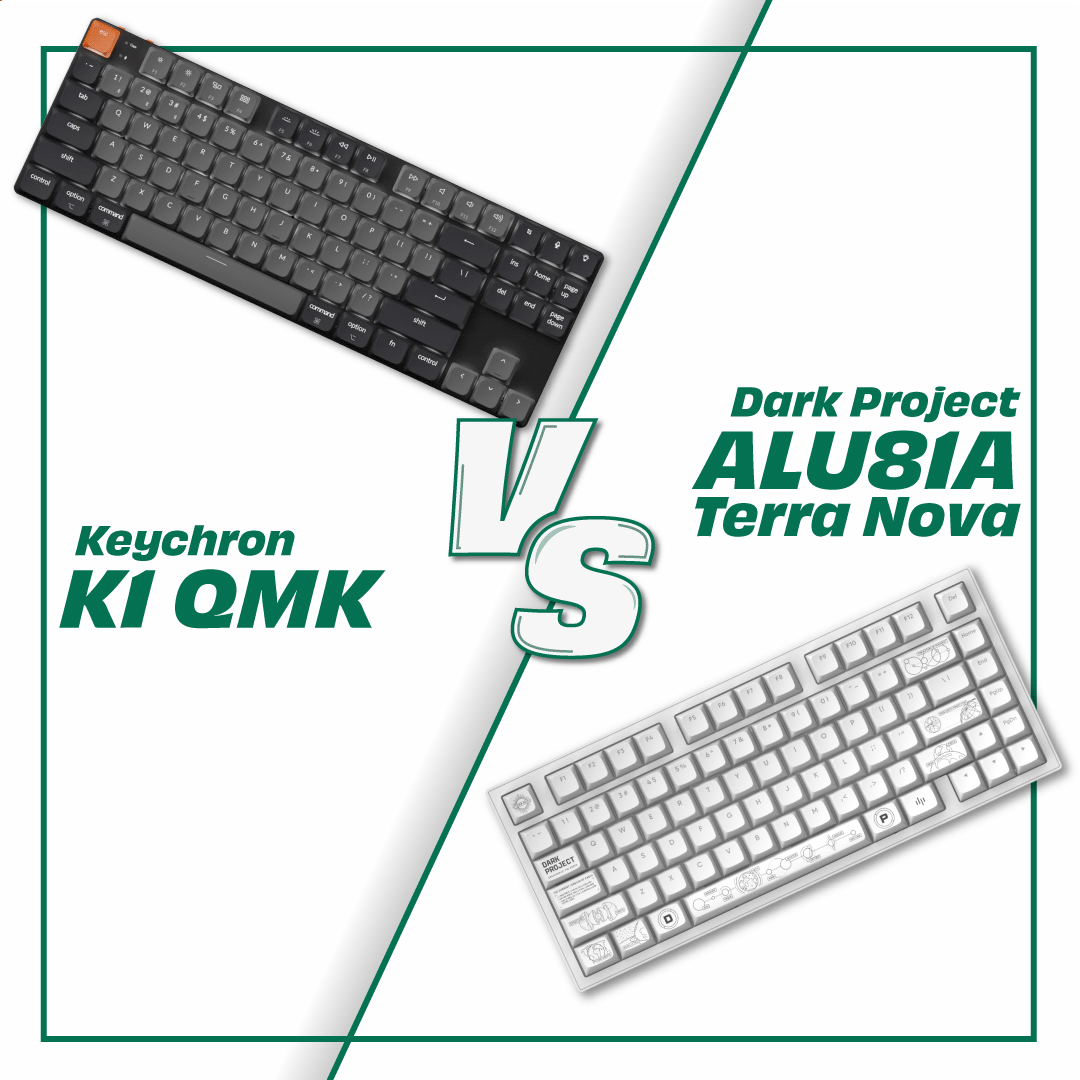
Choosing a wireless mechanical keyboard today is more than a matter of ergonomics - it's a decision about aesthetics, functionality and comfort. We compare two very different approaches: the Dark Project ALU81A Terra Nova and the Keychron K1 QMK (V6).
Appearance and workmanship

Terra Nova is a sturdy aluminum design in TKL format. Massive, with dynamic RGB backlighting and a distinctive futuristic style. The Keychron K1 QMK, on the other hand, opts for minimalism - a thin profile, subtle backlighting and a sleek, modern look. Lighter, more portable - great for the office or remote work.
Switches and typing experience

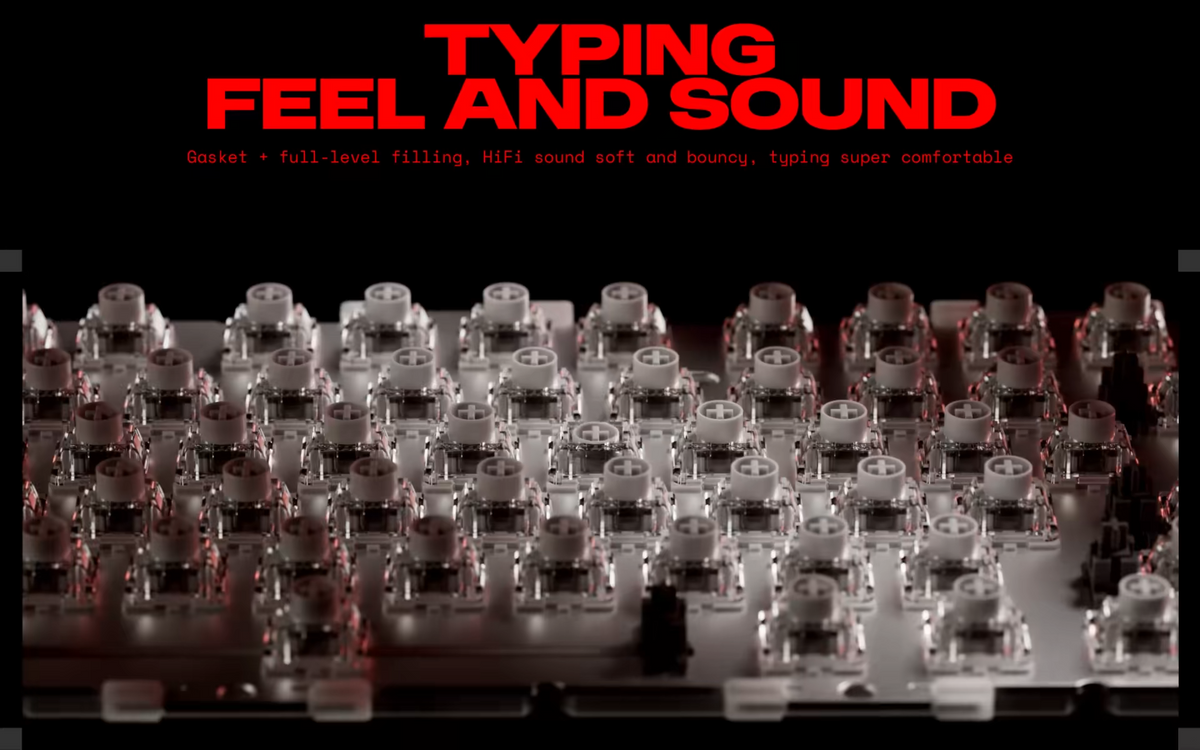
The Terra Nova features G3MS Moonstone switches created by the experts at Blackrock Foundry. It's a development of the G3MS Sapphire - with a transparent housing, longer spring and faster key return. The result? Better feel, more springiness and instant response. Great for gaming and dynamic typing.
Keychron K1 QMK uses Keychron Low Profile 2.0 Mechanical switches - low-profile, fast, with a tactile click or linear stroke (depending on the variant). It's ideal for those who appreciate lightweight, fast operation and slim design without sacrificing mechanical character.
Features and usage

Both keyboards support Bluetooth and USB-C connectivity. The Terra Nova offers a 1000 Hz polling rate in wired mode - something gamers will appreciate. The Keychron K1 QMK makes up for it with versatility - full QMK and VIA support allows complete personalization of keyboard layout, shortcuts and macros.
In everyday use, the Terra Nova gives a pleasant weight, stability and a distinctly "gaming" feel. The K1 QMK is more discreet and functional - great for work, programming or writing, especially if you value mobility and comfort.
Applications

Both keyboards play in the same league, but each plays a different game.
The Dark Project ALU81A Terra Nova is the choice of gamers and mechanical enthusiasts - solid, impressive and extremely responsive.
The Keychron K1 QMK, on the other hand, is the professional's choice - quiet, lightweight, fully customizable and ready to work in any conditions.


Share:
🎮 IQUNIX EZ63 vs Nuphy Field75 HE
8BitDo Ultimate 2 vs 2C – controller comparison