
Keychron keyboard – which model to choose?
Keychron keyboards are available to users in many variants. We present the most important types and features of these mechanical keyboards, which are most often chosen by Mac users. Let's explore the differences between the models and their features that will improve the quality of your computer use.
Types of switches – learn about functionality icons

Keychron's smart mechanical keyboards are also categorized by switch type. They are distinguished by their above-average smoothness, which ensures a smooth and pleasant typing experience. The KS-9 series was created with mechanical keyboards in mind. The leading feature of all Gateron switches is their simplicity of installation and ease of replacement.

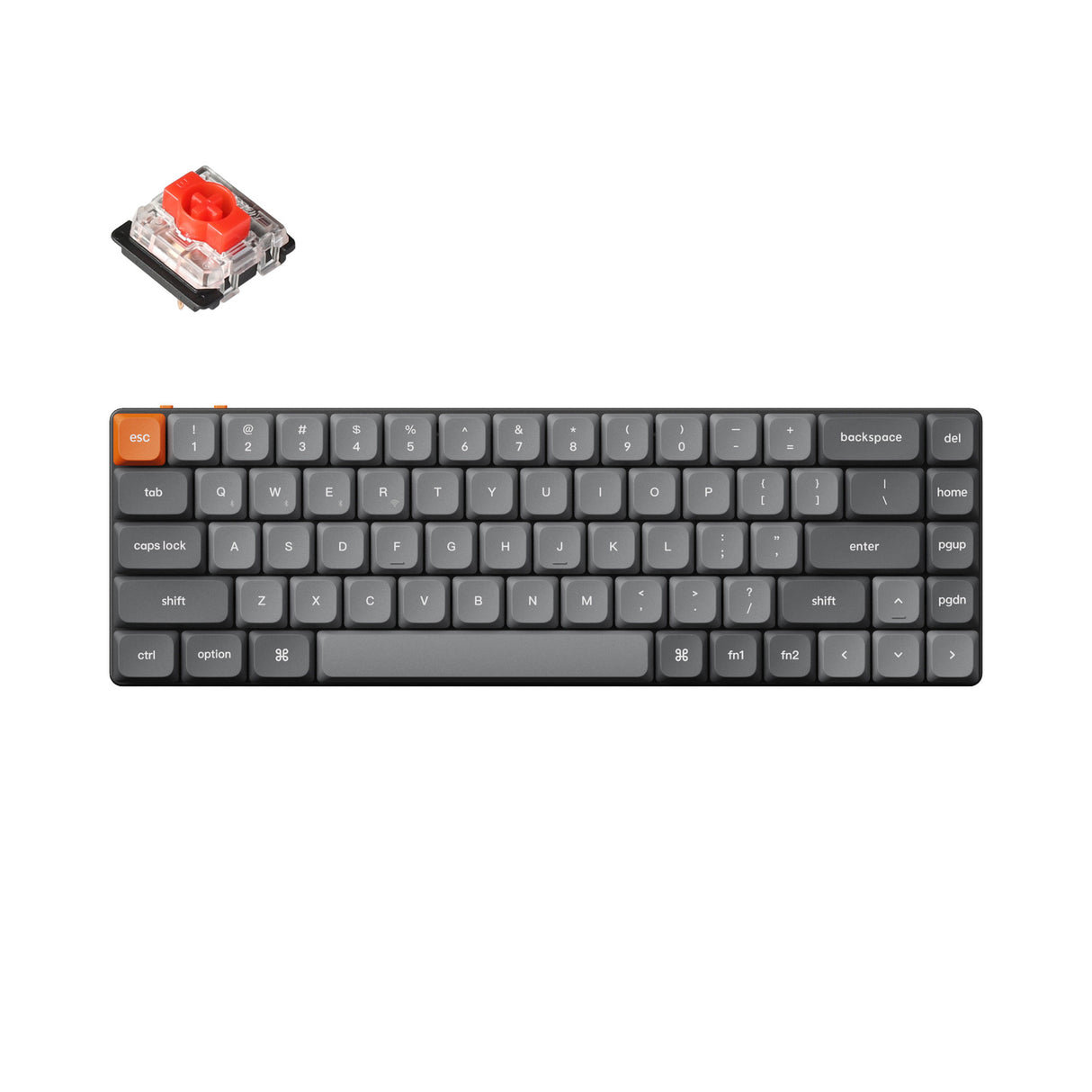
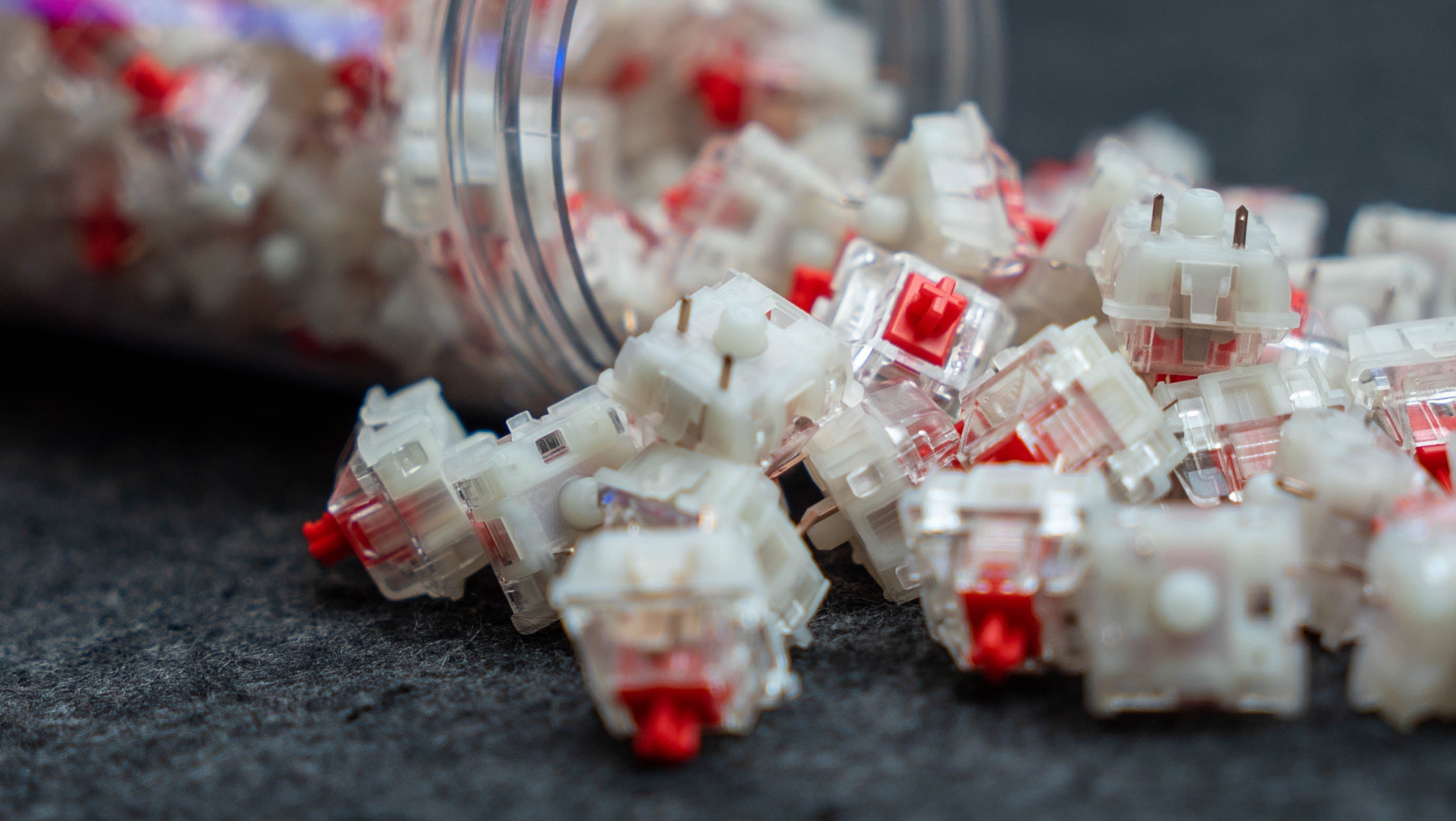
The first switch available in our store is the Gateron Red, which is breaking sales records around the world. This linear switch provides a quiet sound when pressing a key, has moderate pressure, and does not cause fatigue during long periods of typing. It is a switch dedicated to everyday work, gaming, and typing.
The Gateron Blue switch is the second option that we believe deserves users' attention. It is characterized by a unique tactile feel and a louder sound. Thanks to the unique design of the keyboard, typing for long periods of time is hassle-free and does not cause fatigue. The Gateron Blue switch is ideal for gaming and typing. The Gateron Brown Switch has the characteristics of both the red and blue switches, but stands out for its quiet operation. The Gateron Brown Switch is designed for gaming, everyday work, and intensive typing. It is worth noting that we offer a wide range of mechanical keyboards that differ in terms of features and specifications : Keychron K1 Max, Keychron K2 Max, Keychron K3 Max, Keychron K5 Max, Keychron K7 Max, Keychron K8 Max, Keychron K10 Max, Keychron K17 Max.
Choose the size and layout of Keychron keyboards to suit your working style

The choice of keyboard size and layout allows you to tailor the equipment to your preferences, ensuring comfortable typing even for many hours. Keychron offers as many as 6 keyboard models that will delight even the most demanding gamer.
100% mechanical keyboard (104 keys) This is the most common mechanical keyboard among users. It has a numeric keypad, arrow keys, a main key area, and a function area. The full-size numeric keypad ensures fast and easy data entry and is ideal for various office tasks. Its disadvantage is its large size, which means that the mechanical keyboard takes up a lot of space. The 100% keyboard is available in the K5 Max and K10 Max, among others.
96% size keyboard (100-key keyboard) is a full-size keyboard with fewer keys, resulting in a compact design. In this model, all keys are connected together, making it the perfect choice for office work. The 96% keyboard is available in the model, among others. Keychron K17 Max.
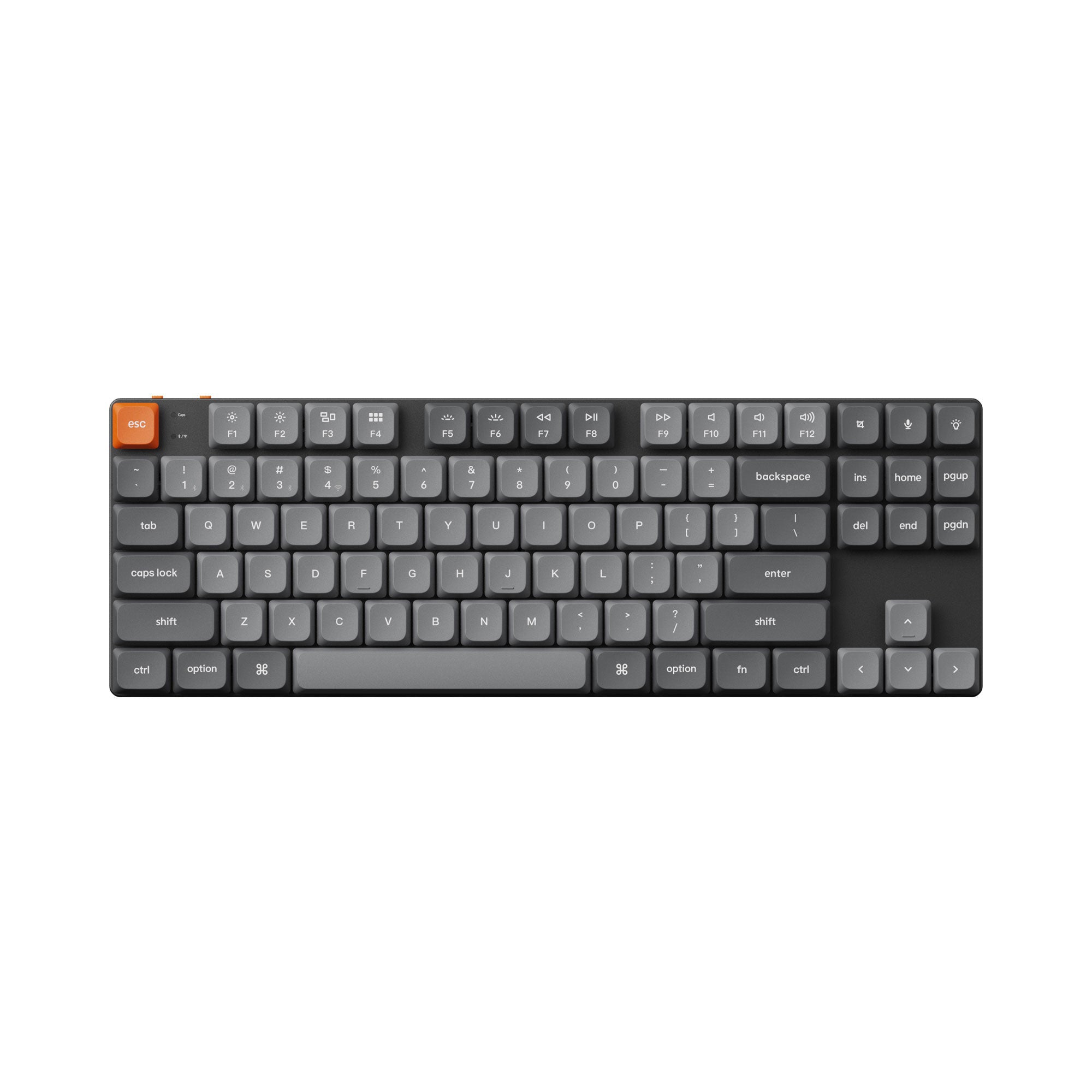
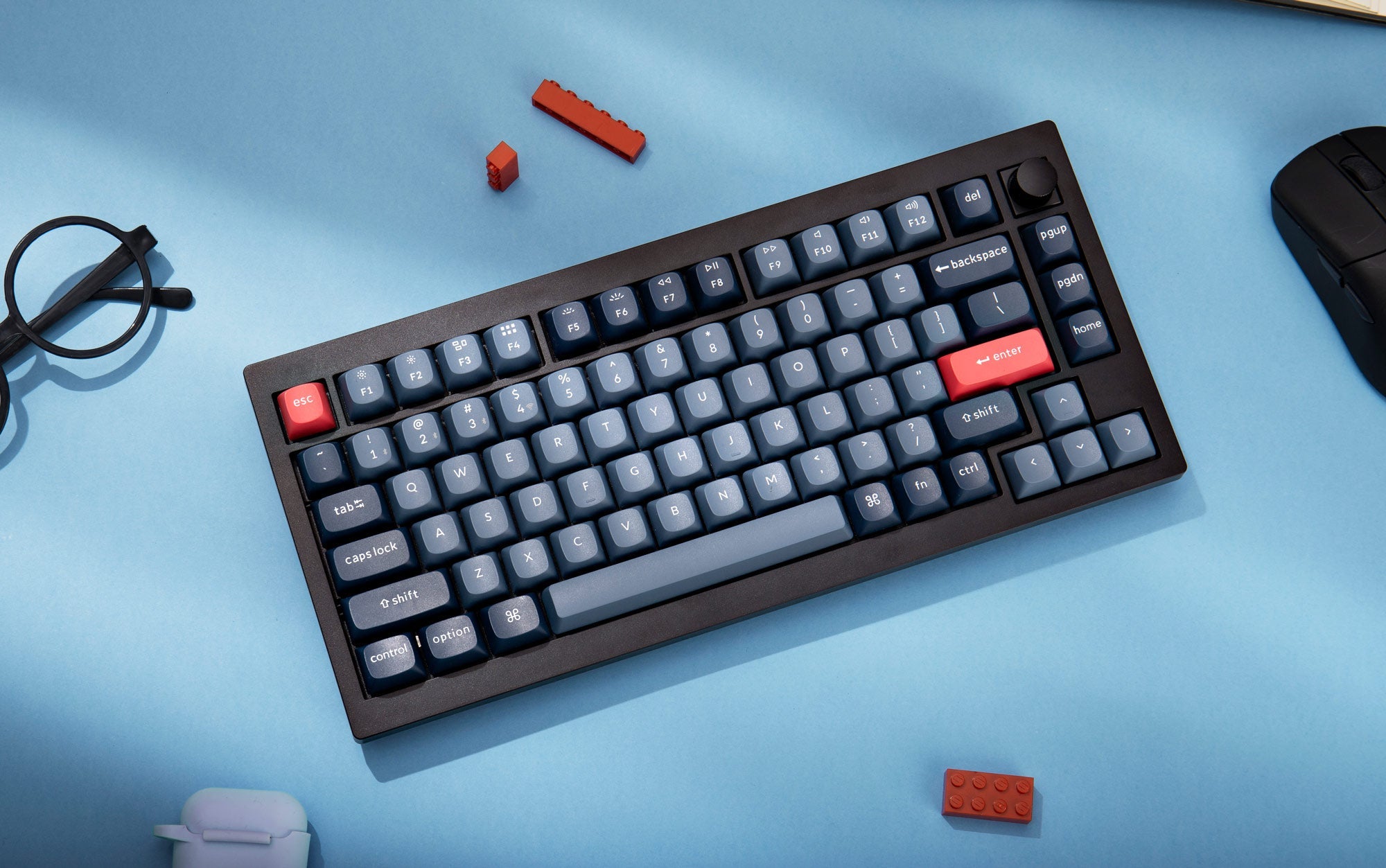
80% keyboard (87 keys) does not have a numeric keypad, which significantly reduces its size. This keyboard layout is appreciated by both gamers and office workers. The 87-key keyboard is available, among others, in Keychron K1 Max or Keychron K8 Max.
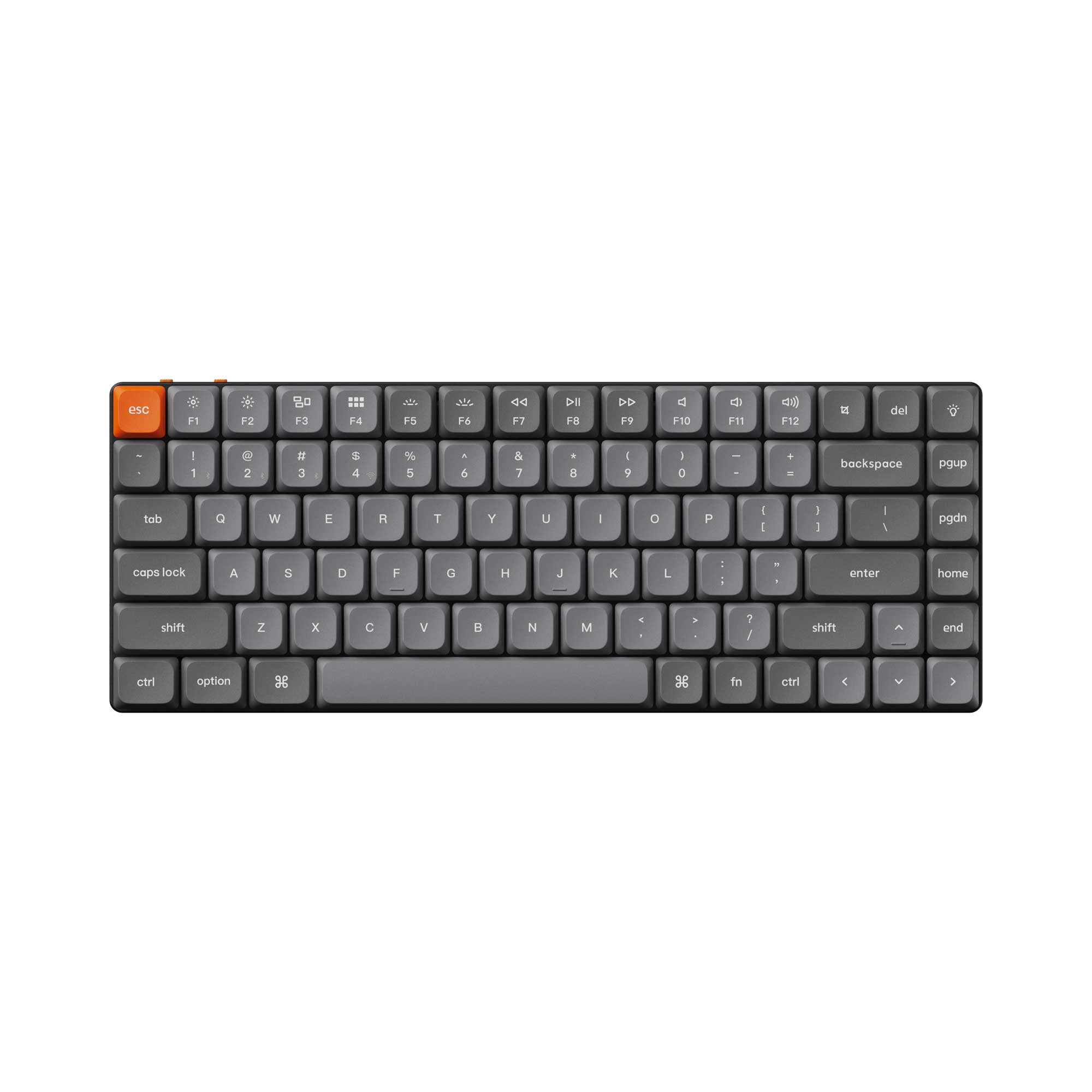
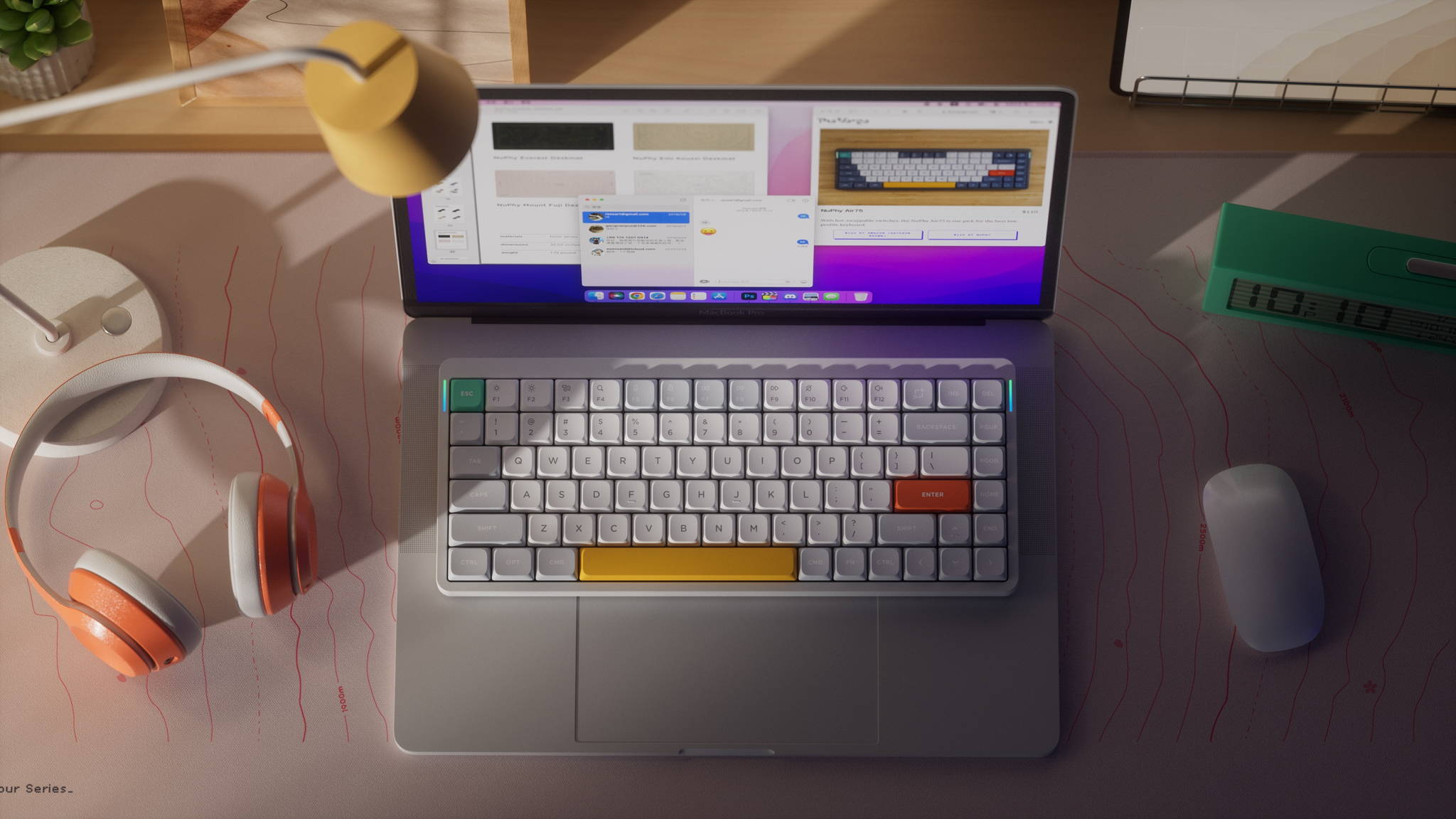
Wireless keyboard 75% (84 keys) is an icon of functionality, which is why this type of keyboard is most commonly used in laptops. It has arrow keys and F keys, and the smaller size of the keyboard translates into greater portability. It is a keyboard for everyday use, office work, and gaming. The 75% keyboard is available, among others, in the model Keychron K2 Max or Keychron K3 Max.
65% mechanical keyboard (68 keys) Due to the smaller number of keys, it is smaller in size. It does not have a numeric keypad or F function keys, but retains the arrow keys and popular function keys. Keychron K7 Max is the perfect choice for a small home office, where every extra inch of space counts.
60% keyboard has 61 keys and is characterized by the absence of unused keys. The compact keyboard has a numeric keypad and alphabetical keys and is designed for users who type for many hours a day. The 60% keyboard is ideal for small spaces.
Wireless keyboard dimensions tailored to your needs

Keychron keyboards vary in height depending on the model, allowing you to adjust the mechanical keyboard to your position and preferences. The K2 Max, K10 Max, and K8 Max models are taller, while the K1 Max and K3 Max are shorter, so it's worth taking this into account when choosing a Keychron keyboard.
Keychron keyboard and lighting

Keychron wireless mechanical keyboards are available in two lighting variants – White LED and RGB.
The first one allows you to illuminate the keys only with bright White LED, which is a suitable solution for people who are not looking for a variety of backlighting options for their device.
The second solution – RGB – is the true beauty of the Keychron keyboard, allowing it to be illuminated in over 15 different modes. There are many possibilities, and it will definitely be difficult to get bored with the interesting key lighting.
The RGB variant is also available in a version with an aluminum casing, which should satisfy even the most demanding users.
Quick key replacement

Thanks to the useful "hot-swappable" feature, we can easily replace the keyboard switches ourselves for better personalization. The technology uses a "hot-swappable socket kit" solution, mainly supporting 5-pin and 3-pin mechanical switches.
This feature ensures 5 times faster switch replacement.
Keychron keyboard – which model to choose? Summary.

Keychron wireless keyboards such as the Keychron K1 Max, Keychron K2 Max, and Keychron K7 Max are available in many sizes with different numbers of keys. There are several types of switches to choose from, which can be tailored to your usage and preferences. Each wireless Keychron is an icon of innovation, featuring a low-profile switch that makes the keyboard lighter and slimmer. The new generation of Keychron keyboards is equipped with a "hot-swappable" feature that provides a simple and intuitive way to replace keys.
By analyzing the functions and types of Keychron keyboards, we can easily choose the right model for our needs, which will improve the quality of use of a Mac or PC regardless of the tasks performed.