

Keychron K2 HE vs Keychron K2 Max - Modern mechanic vs classic at its best
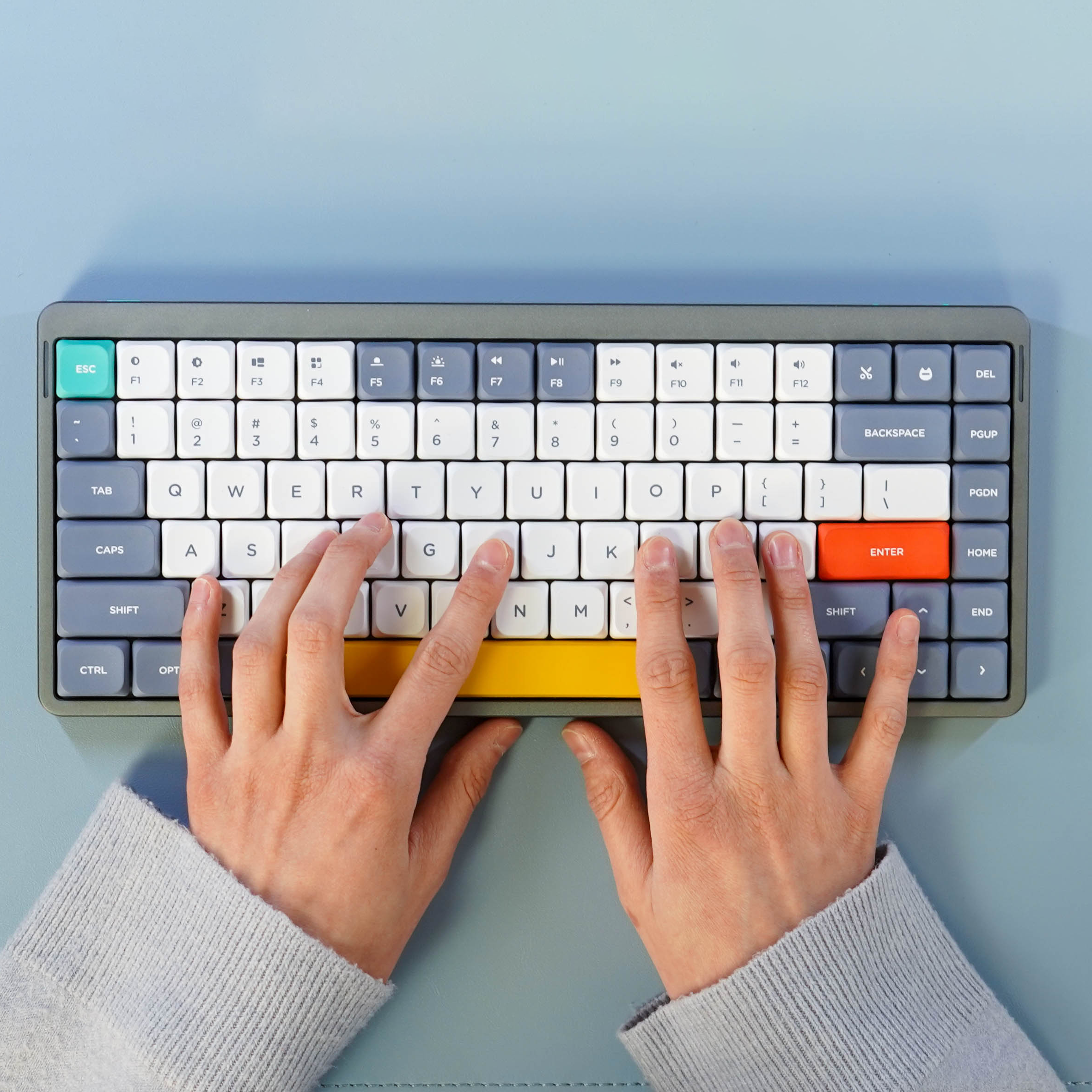
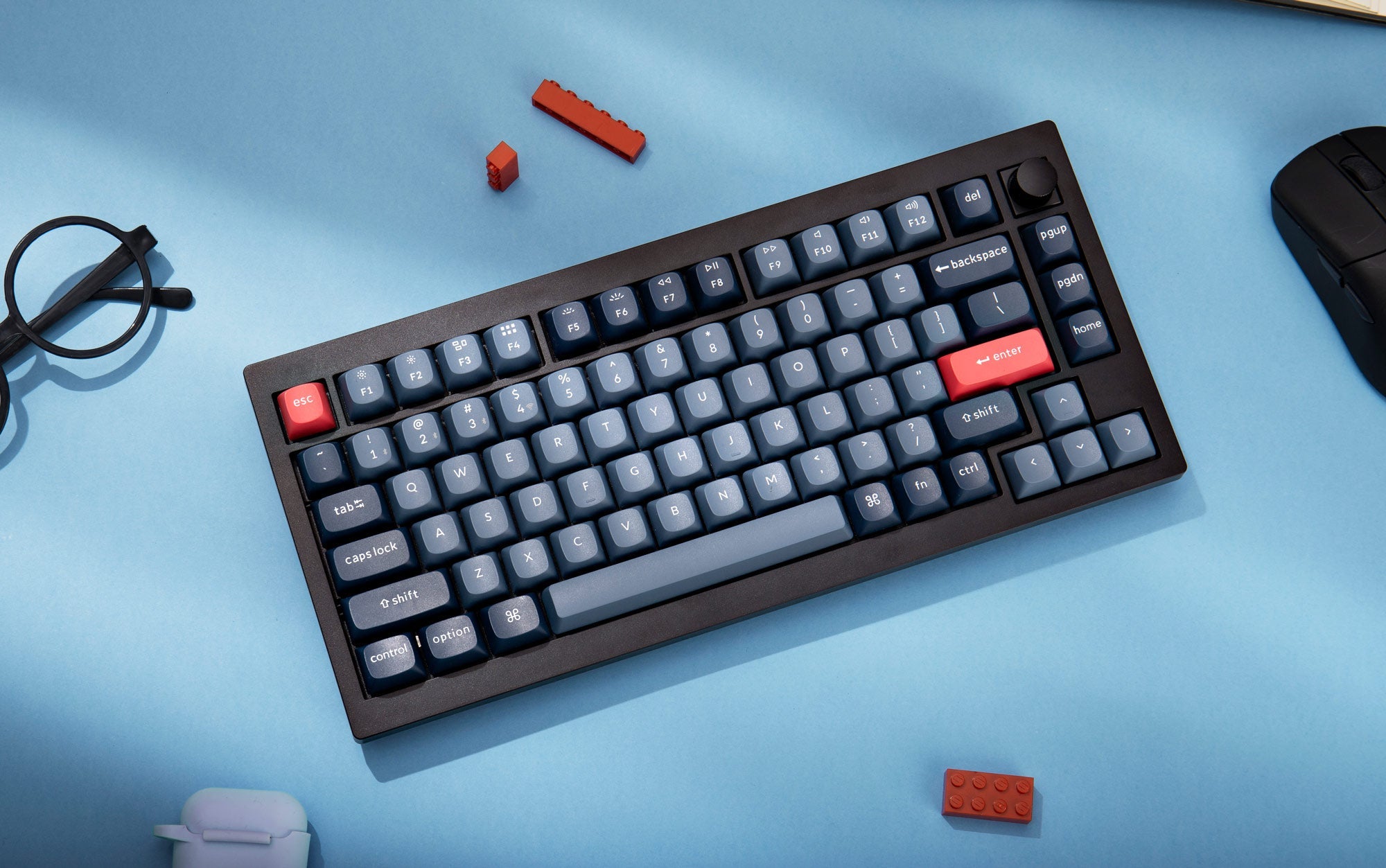
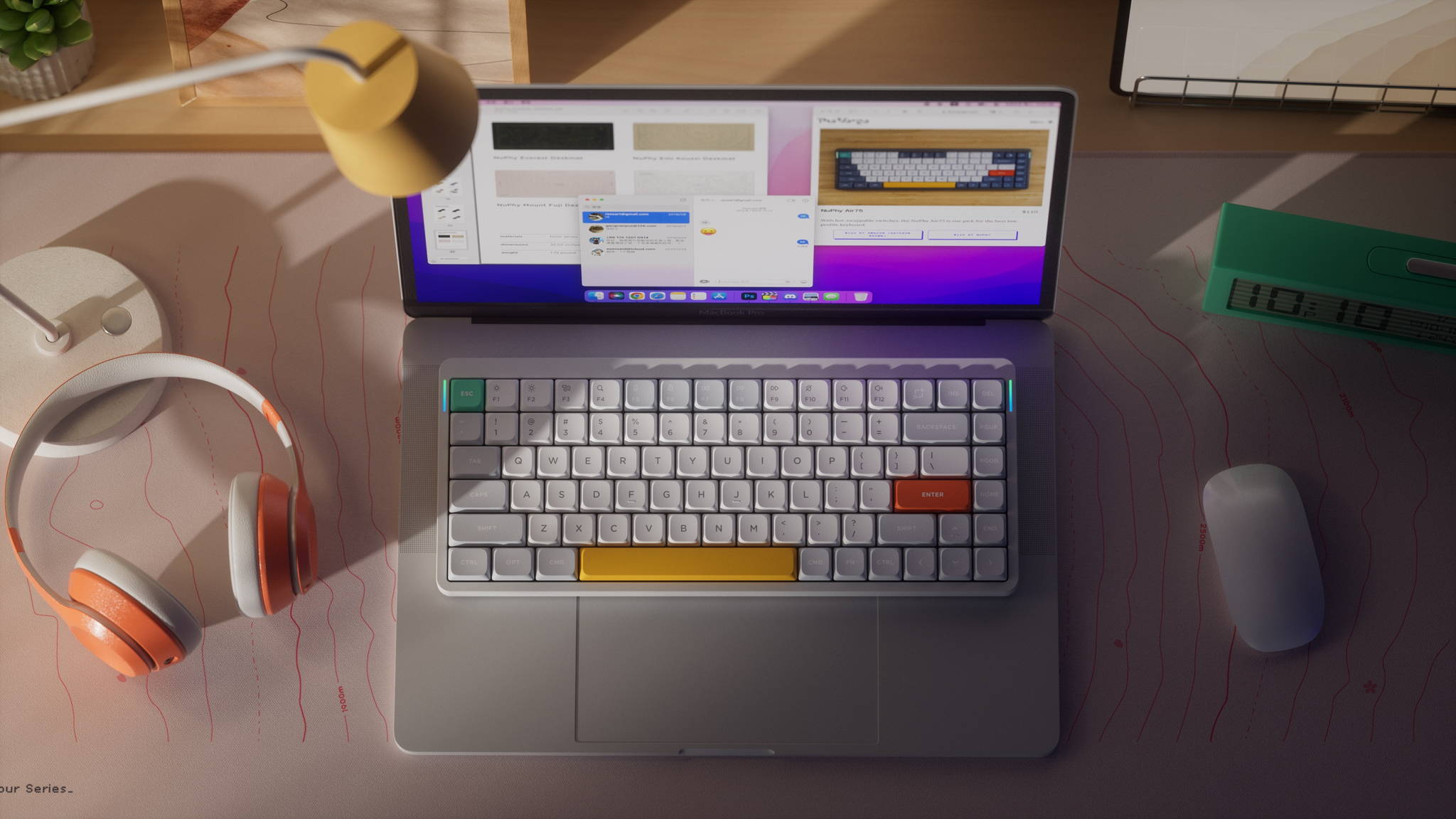
Keychron continues to make waves in the mechanical keyboard world. The Keychron K2 HE i Keychron K2 Max are two of its latest 75% layout models, each catering to different needs — from gaming precision to customization flexibility. Which one suits you better? Let’s find out.
🔧 Build & Switch Type
🧲 Keychron K2 HE – Magnetic Precision

This keyboard uses Hall Effect technology with Gateron Double-Rail Magnetic Nebula switches. You can adjust the actuation point between 0.2–3.8 mm with 0.1 mm precision—ideal for both typing and gaming. It also comes in a stylish Special Edition with wooden accents.
🔩 Keychron K2 Max – Mechanical Reliability

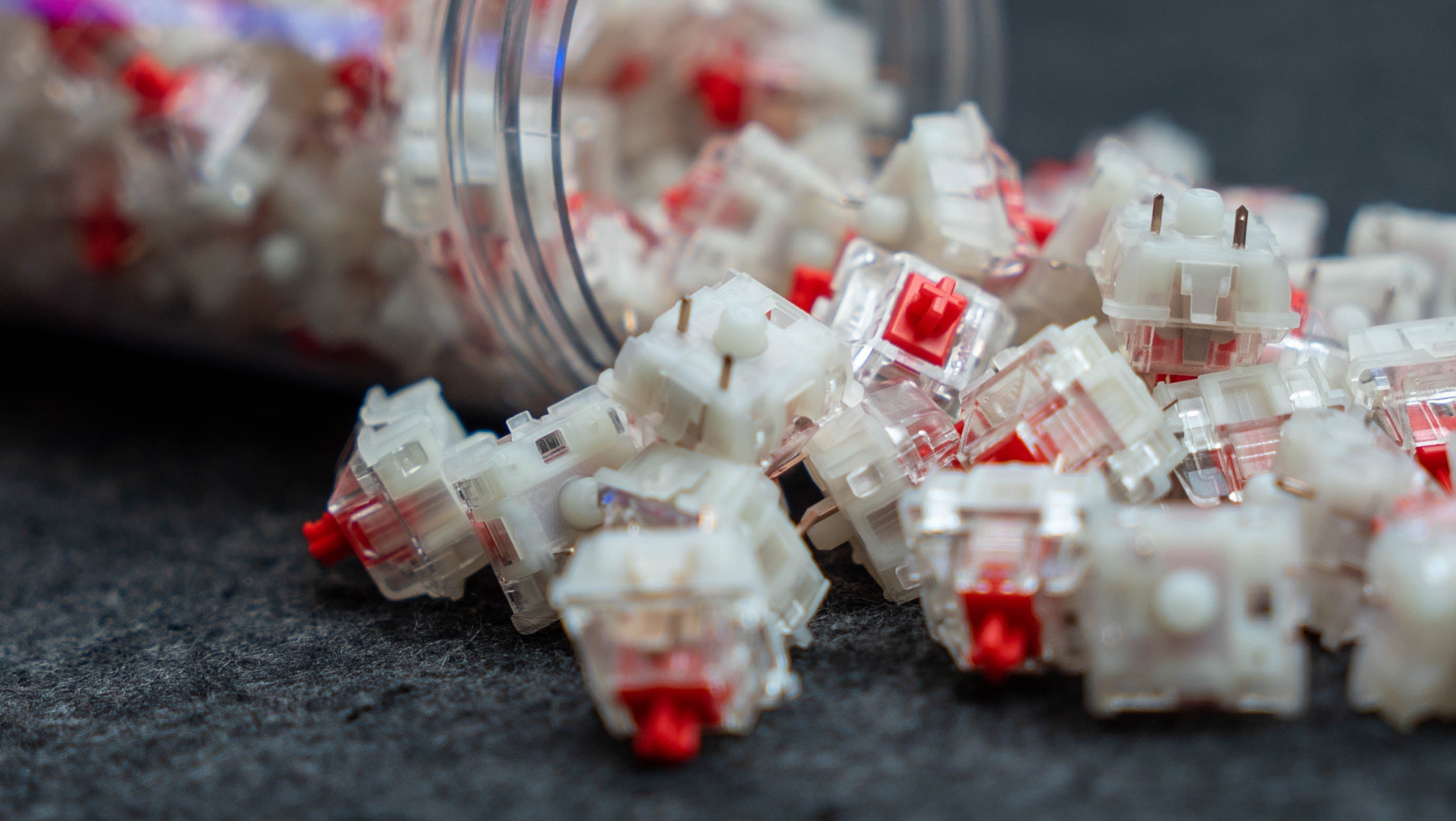
Unlike the Keychron K2 HE, the Keychron K2 Max features traditional mechanical switches—Keychron Red, Brown, or Banana—all hot-swappable. You can easily change switches without soldering. Thanks to QMK/VIA support, it’s perfect for tinkerers and coders who want full layout control.
⚙️ Features & Customization
Keychron K2 HE
- Dynamic Rapid Trigger, Analog Mode, and DKS support
- Adjustable actuation for every key
- Excellent for fast-paced gaming and hybrid workflows


Keychron K2 Max:
- Deep customization via QMK/VIA
- Hot-swappable mechanical switches
- RGB or white backlighting
- Classic tactile typing feel
🔌 Connectivity & Battery
Both keyboards support Bluetooth 5.2, 2.4 GHz wireless, and USB-C. The K2 HE comes with a 4000 mAh battery, lasting up to 110 hours without lighting. The K2 Max offers similar wireless functionality, though battery capacity isn't officially stated.
🏁 Summary
Keychron K2 HE
| Type of switches | Magnetyczne |
| Key layout | 75% |
| Personalization | Dynamic Keystrokes, Analog Mode |
| Backlighting | RGB |
| Connectivity | BT 5.2, 2.4 GHz, USB-C |


Keychron K2 Max
| Type of switches | Mechanical |
| Key layout | 75% |
| Personalization | QMK/VIA, hot-swap |
| Backlighting | RGB lub białe |
| Connectivity | BT 5.2, 2.4 GHz, USB-C |
Which one should you choose?
If you're into ultra-fast inputs and gaming performance, go with the Keychron K2 HE. But if you're a fan of classic mechanical feel and love customizing your setup, the Keychron K2 Max is a solid pick.
Choose your keyboard


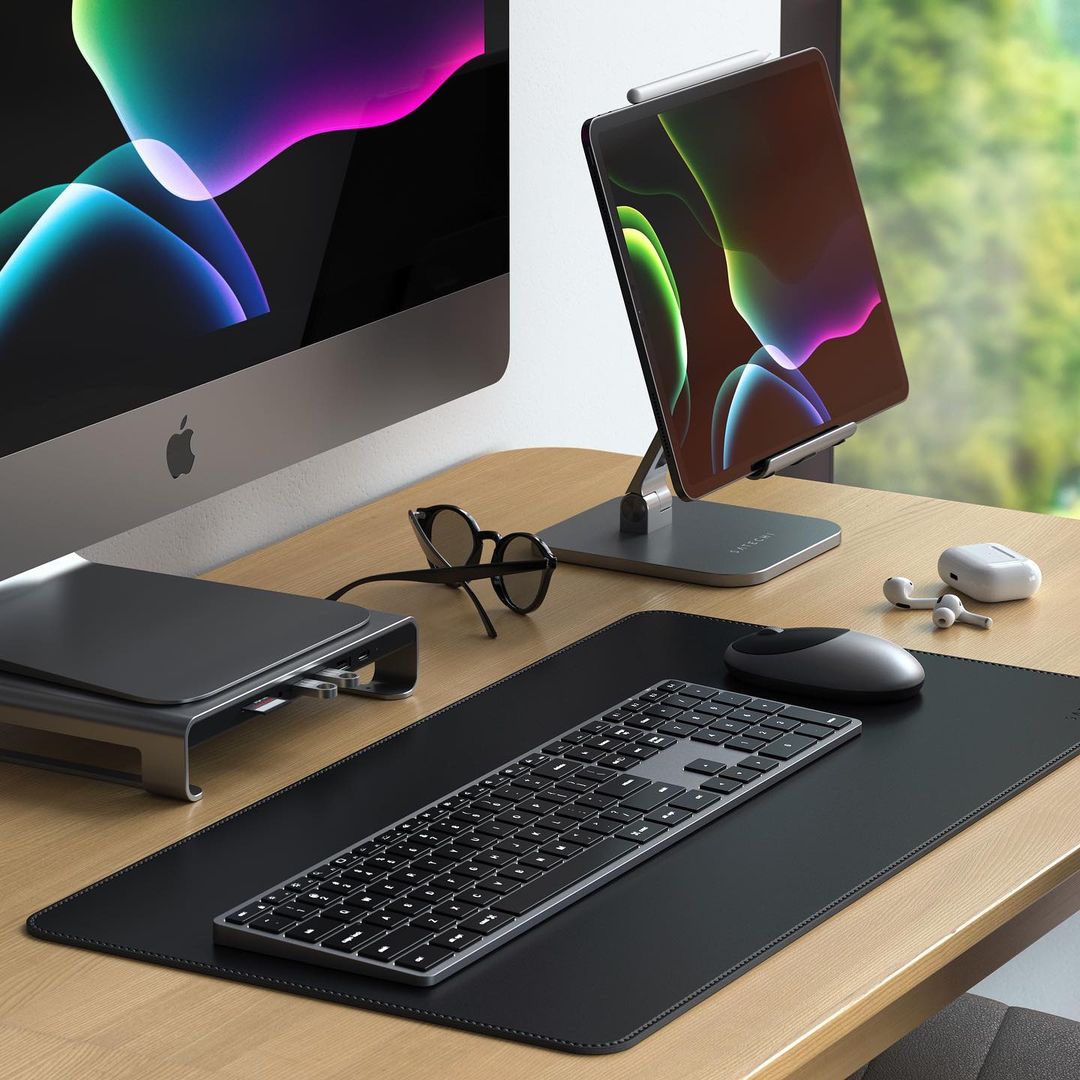
Satechi Slim EX3 vs Satechi Slim X3 - A Comparison of Wireless Keyboards
The Satechi Slim EX3 and Satechi Slim X3 are two wireless keyboards with a very similar design, but each is tailored to a slightly different user. The EX3 is a more versatile model with more modern connectivity options, while the X3 is better suited to the aesthetic and workflow typical of Apple users. At first glance, the differences don’t seem significant, but in everyday use, it quickly becomes clear that these are two quite different approaches to the same category of hardware.

GravaStar Mercury X vs Keychron M3 - A Comparison of Wireless Mice
The market for wireless gaming mice is highly polarized today. On the one hand, there are models designed to keep weight to an absolute minimum and minimize response time. On the other hand, there are more versatile models, designed to perform well not only in games but also at work, with a laptop, and in multi-device setups...

Maono Wave T5 vs RODE Wireless Micro - wireless microphone comparison
When comparing the Maono Wave T5 and RODE Wireless Micro, it is worth moving away from general marketing applications and focusing on the technical aspects of design, transmission, and audio signal processing. Both systems belong to the category of compact wireless microphones, but they were designed with a distinctly different engineering philosophy...
