

Keychron - Nape Pro Wireless Trackball Mouse
 Pay later with Klarna
Pay in 30 days
Pay later with Klarna
Pay in 30 days
Pairs well with

Keychron Nape Pro
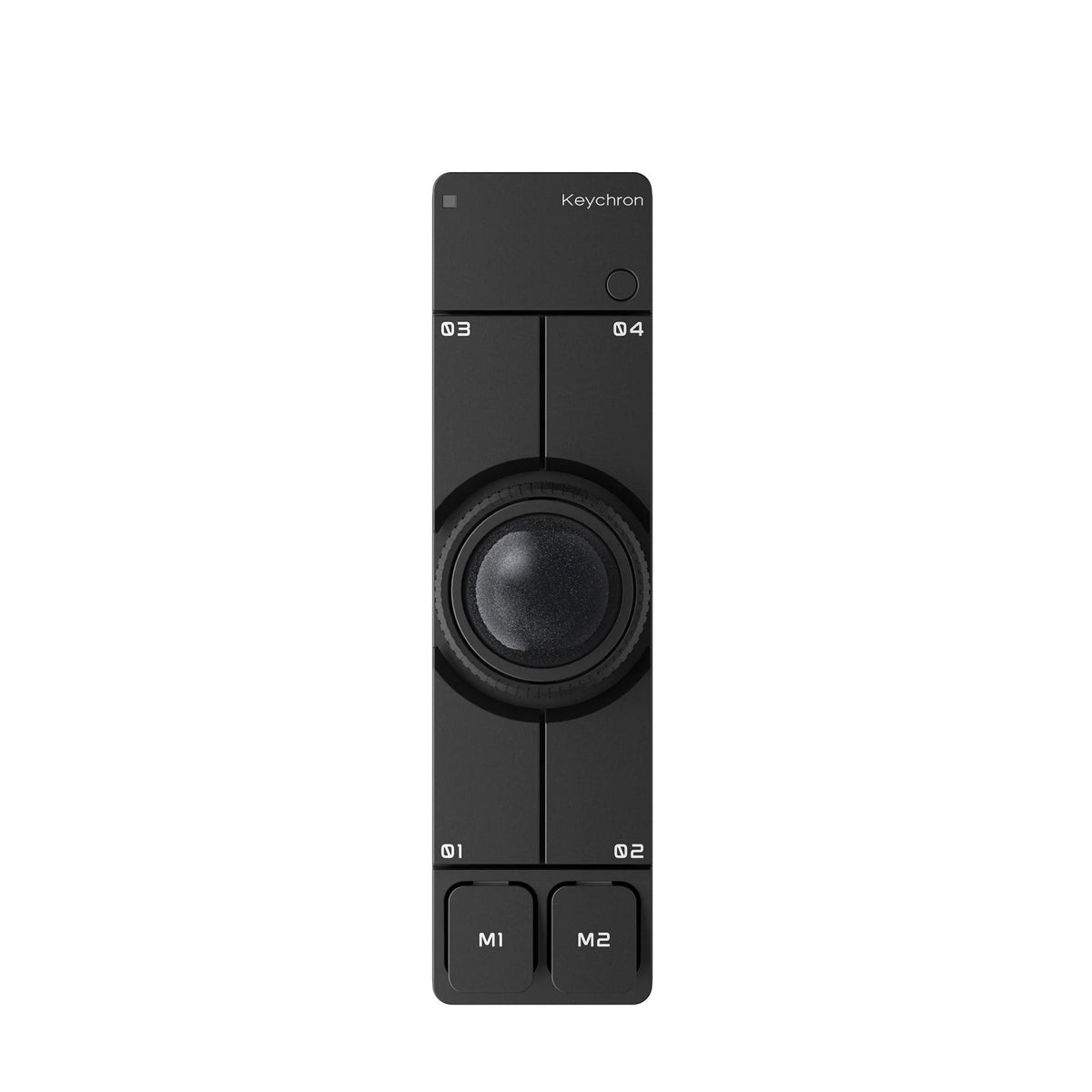
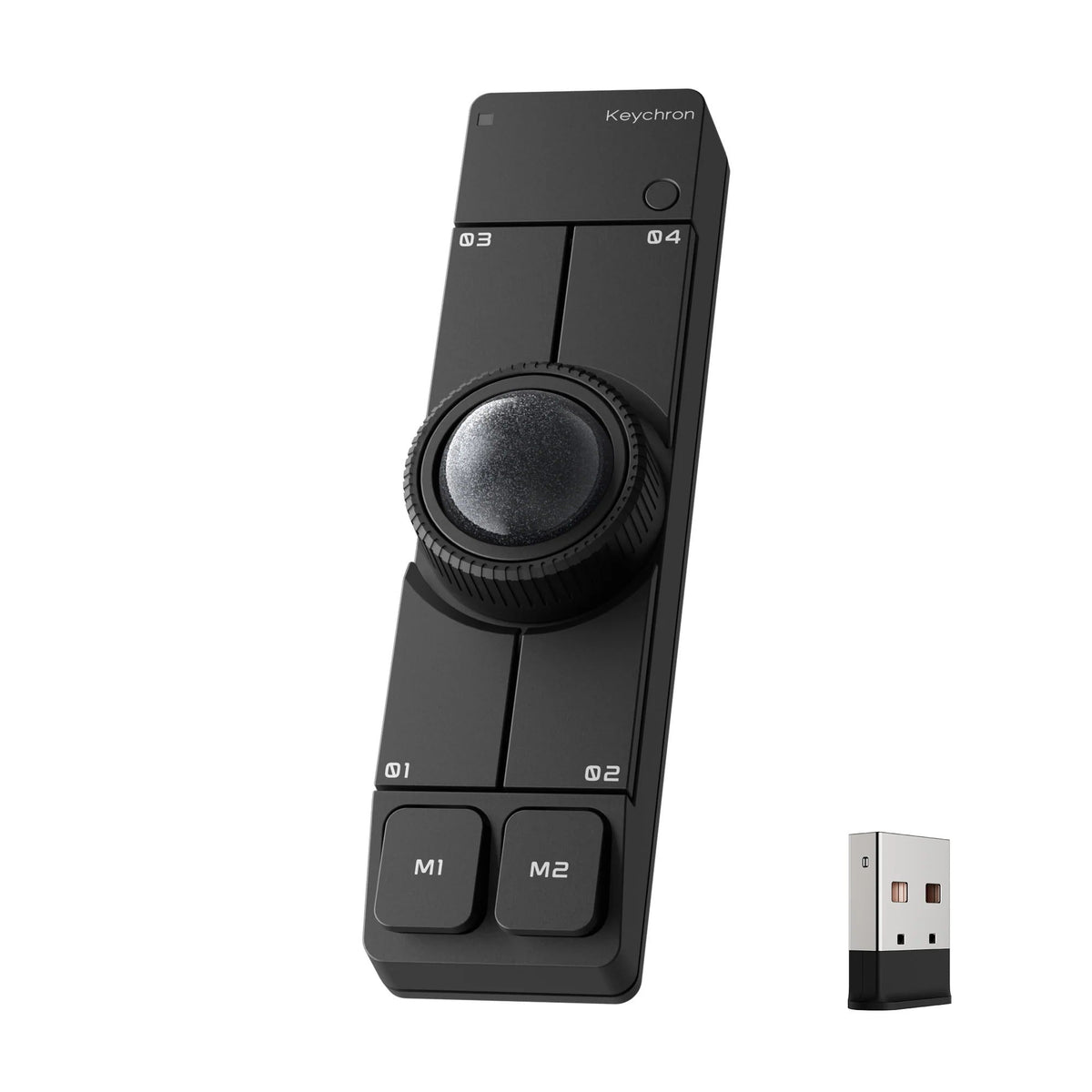
Awarded Best of CES 2026 – Best Mouse by Tom's Hardware, Keychron Nape Pro is a wireless trackball mouse co-created with Gizmodo Japan. Designed to be placed beneath or beside a mechanical keyboard, it works like a “trackpad,” minimizing hand movement while navigating the cursor.
Everything, including the trackball, can be customized in Keychron Launcher, while three-mode connectivity includes 2.4 GHz, Bluetooth, and wired USB-C. Nape Pro is designed to help you maintain a smooth workflow after a short learning period.
Control for multiple scenarios
Flexible control for every setup
Keyboard companion

Left-hand friendly

Macro control device

Presentation and multimedia control

Made for the space beneath your keyboard
Designed to sit directly beneath the spacebar, Nape Pro transforms the front edge of your keyboard into an active control zone. Rather than placing a mouse beside the keyboard, it makes use of unused space and turns it into a compact, keyboard-integrated command input zone for everyday control.
With thumb-operated trackball control, navigation remains within natural reach while typing—enabling precise cursor movement without lifting your hands or switching between input devices.
Less reaching. More flow.
With essential cursor controls placed within natural reach while typing, Nape Pro keeps your hands within the keyboard area. Cursor movement, scrolling, clicks, and shortcuts are available without leaving your typing position, delivering a smoother and more efficient way to work for long hours.
This reflects an inclusive approach to control design, focused on reducing interaction barriers in everyday computer use. Rather than requiring users to adapt to the device, Nape Pro is designed to adapt to the natural way people work across different environments, workflows, and setups.


2.4 GHz and Bluetooth
Switch between 2.4 GHz wireless connectivity, Bluetooth, and wired USB-C mode to suit different devices and workspaces. Use 2.4 GHz for a low-latency desktop setup, Bluetooth with laptops, tablets, and multi-device workflows, or wired USB-C mode for stable control while charging. From your main desk to mobile work, Nape Pro is ready for every setup.
6 custom buttons
Your shortcuts always at hand
Set each button to perform exactly what your workflow requires: mouse clicks, keyboard shortcuts, layer switching, or multi-step macros. From back and forward to copy, paste, undo, and app switching—your most frequently used actions are always ready at your fingertips.

One dial. More ways to control.
Scroll through pages. Zoom in. Scrub through timelines. Adjust volume. The programmable control dial provides fast, intuitive control for everyday tasks, working alongside the trackball and 6 custom buttons to create a compact command center for your keyboard-based workflow.


Set it your way. Control naturally.
With OctaShift, Nape Pro adapts to the way you work. Position it horizontally beneath your keyboard, vertically between the halves of a split keyboard, diagonally on either side, or beside a graphics tablet. Support for 8 angles maintains natural cursor movement when the device is rotated, allowing this wireless trackball mouse to easily adapt to your hand position, desk layout, and workflow.
Fits small spaces. Works quietly.
No mouse pad. No wide movements across the desk. No distracting clicks. Nape Pro remains stationary on a small surface while the trackball handles cursor movement, saving space and keeping your setup tidy. Quiet clicks make it easier to work comfortably in offices, shared spaces, and studios, as well as late at night.

More customization in Keychron Launcher
With ZMK and support through the Keychron Launcher web app, Nape Pro goes beyond the capabilities of a standard wireless trackball mouse. Change button mappings, assign shortcuts, and create macros tailored to your workflow. Once configured, settings are saved directly on the device, so your personalized workflow stays with you across different computers.

Specifications
| Manufacturer | Keychron |
| Model | Nape Pro |
| Product type | Wireless trackball mouse |
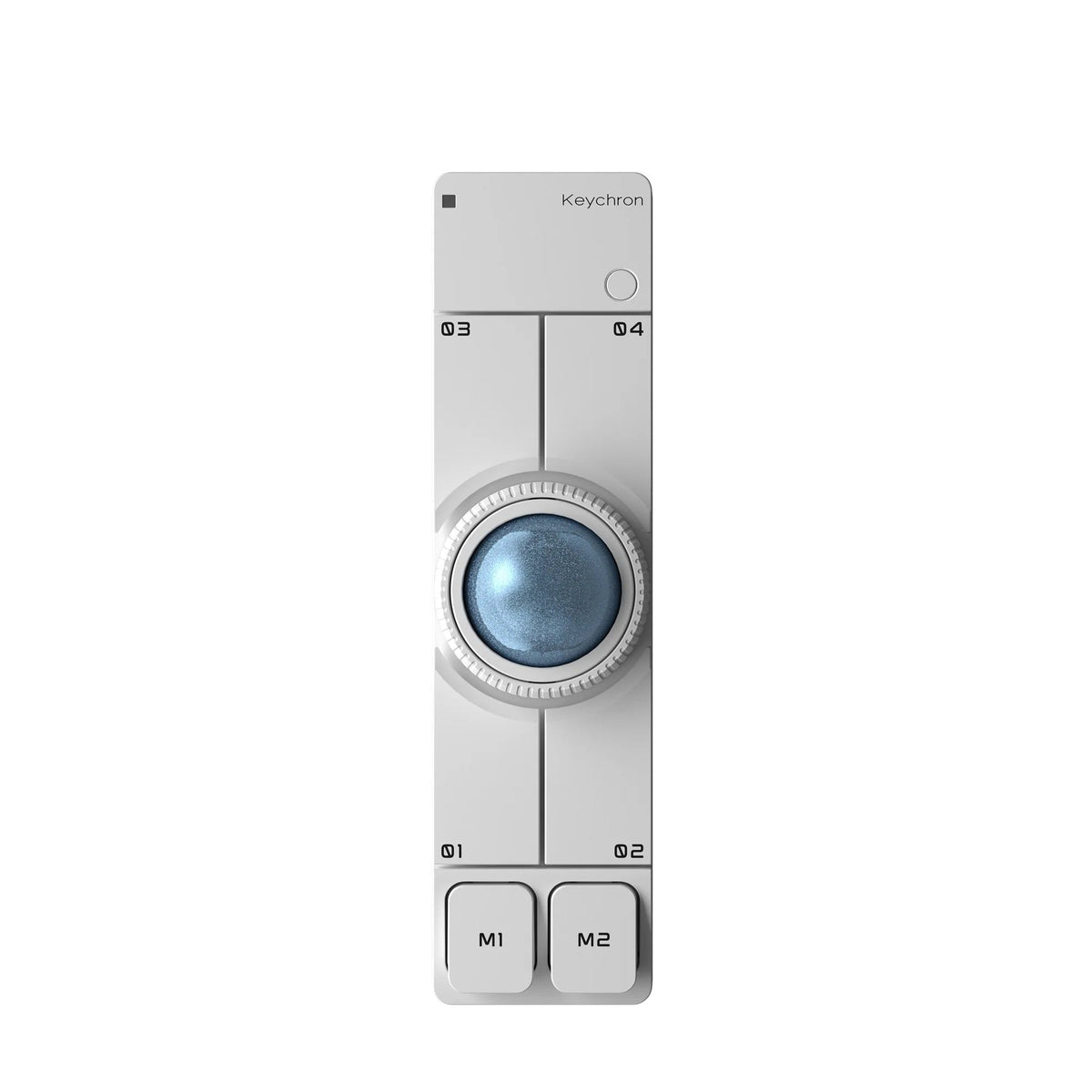
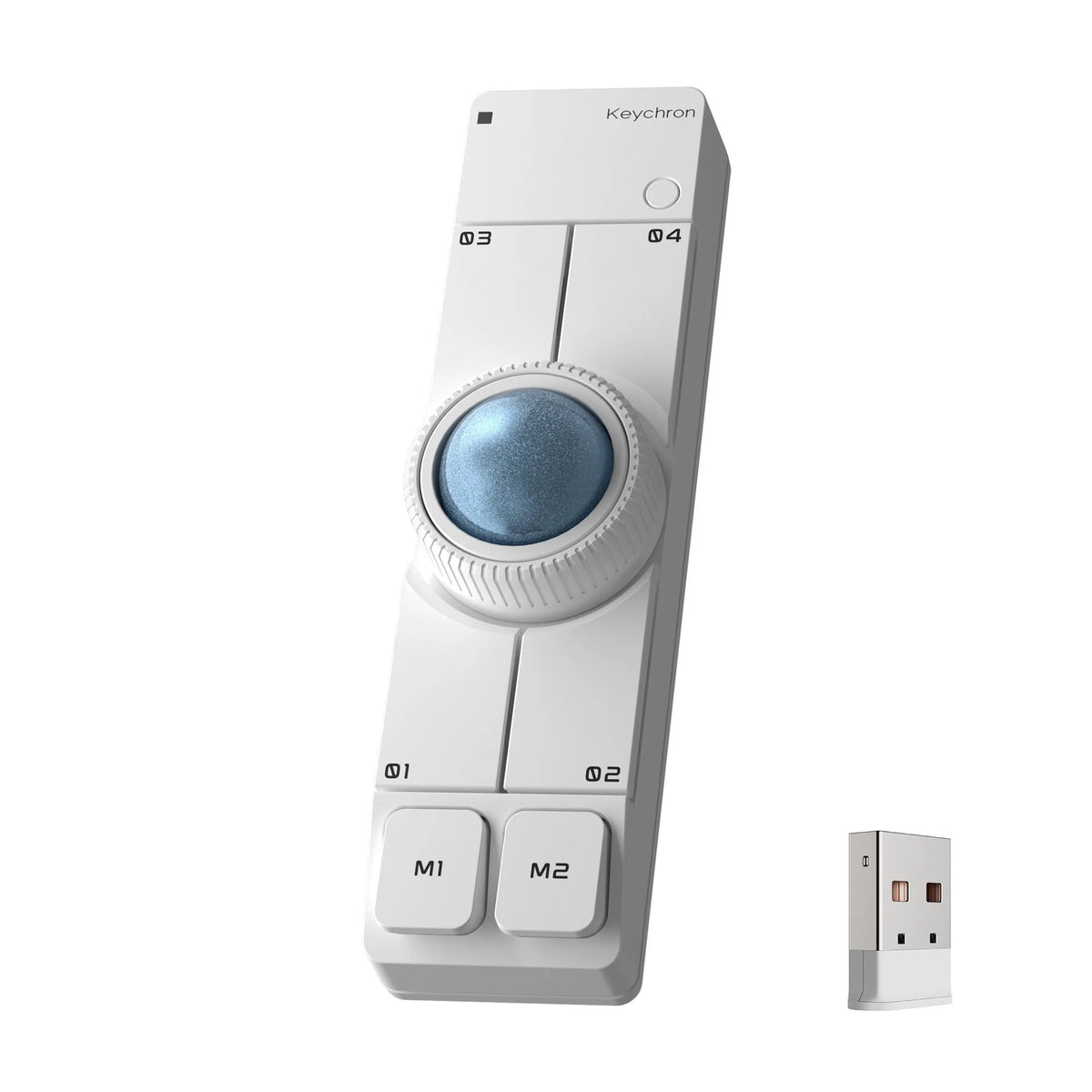
| Color | Black or white |
| Trackball diameter | 25 mm |
| Sensor | PixArt 3222 |
| Resolution | 400–4000 DPI |
| Polling rate | 125 Hz / 500 Hz / 1000 Hz |
| Connectivity | 2.4 GHz wireless, Bluetooth, wired USB-C |
| Wireless range | Approximately 10 m |
| Number of programmable buttons | 6 |
| Control dial | Programmable |
| Switches | Huano Silent Micro Switch |
| Switch lifespan | Up to 20 million clicks |
| Angle adjustment support | OctaShift – 8 device orientations |
| Firmware | ZMK |
| Configuration | Keychron Launcher – button mapping, shortcuts, macros and firmware updates |
| Settings storage | Directly in the device memory |
| Battery | 200 mAh |
| Operating time | Up to 50 hours |
| Charging time | Approximately 2 hours |
| Charging port | USB-C |
| Dimensions | 135 × 35.4 × 36.7 mm |
| Device name | Keychron Nape Pro |
| Warranty | 12 months |
Package Content
| Keychron Nape Pro trackball mouse | 1 pc. |
| USB-C to USB-C cable | 1 pc. |
| USB-A to USB-C adapter | 1 pc. |
| 2.4 GHz USB-A receiver | 1 pc. |
| Receiver extension adapter | 1 pc. |

Compatibility
| Desktop computers | Connection via 2.4 GHz USB-A receiver, Bluetooth or USB-C cable |
| Laptops | Connection via Bluetooth, 2.4 GHz USB-A receiver or USB-C cable |
| Tablets | Models supporting Bluetooth mice or wired USB-C pointing devices |
| Keychron Launcher | Latest versions of Chrome, Opera or Edge browsers |
| Connection to Keychron Launcher | USB-C wired or 2.4 GHz wireless mode |
Product safety
Manufacturer's Information
Responsible party
Safety information
Safety documents